
• Skip to content
  • Skip to footer
Swivi logo black

Swivl

  • Solutions
    • M2 robot
    • M2 app
    • CX Robot
    • Reflectivity
  • Talk to us
  • Resources
    • Support
    • Resources and trainings
    • Professional learning
    • Blog
    • User Stories
  • Events
  • Login
    • M2 app
    • Reflectivity
  • Store

MirrorTalk 2.0 is coming mid-February and we’re calling it M2. Check out the new capabilities that are coming below.

M2 app

Improve instruction at each tier and increase student participation with your mobile device.

M2 app on tablet, mobile and laptop
Slide
Teacher leading an engaged classroom discussion while students participate attentively, with a tablet showing the M2talk participation interface in the foreground.

Set up your device to listen to class and get thesupport you need

How it works

Mobile device showing the M2talk real-time participation meter.

Listens through your device microphone to build context and measure participation levels. Add in your lesson plan for more context.

Click for immediately actionable, best-practice tips or request exactly what you need.

M2talk interface showing real-time teaching tips with an elaboration prompt and options for classroom management, questions, and an instructional guide.
M2 tips on mobile

Generates relevant, high-impact learning strategies for teachers to guide the whole class.

Get immediate takeaways summaries, exit tickets, Reflections and Guided activities for each tier tomorrow.

Laptop with M2 insights
laptop with feedback

Get detailed feedback on your teaching based on participation levels, and your schools frameworks, standards and curricula when part of a Team.

Reflect anytime by chatting with M2. Ask questions. Clarify your understanding of feedback. Get new ideas.

M2talk reflection interface on a laptop showing post-class feedback and suggested next steps, with a teacher reflecting on participation and lesson pacing.

Try M2 app for free today

Get 30 days of full access with 2 activities per semester after that.
Check out more about M2 app plans.

Download on the App Store
Get it on Google Play

Reflections

  • Overview
  • setup
  • Insights

Enhance cognitive participation in learning

Spoken assignments students complete on web or mobile devices to extend their cognitive participation in learning and help assess understanding levels. For all ages and grades.

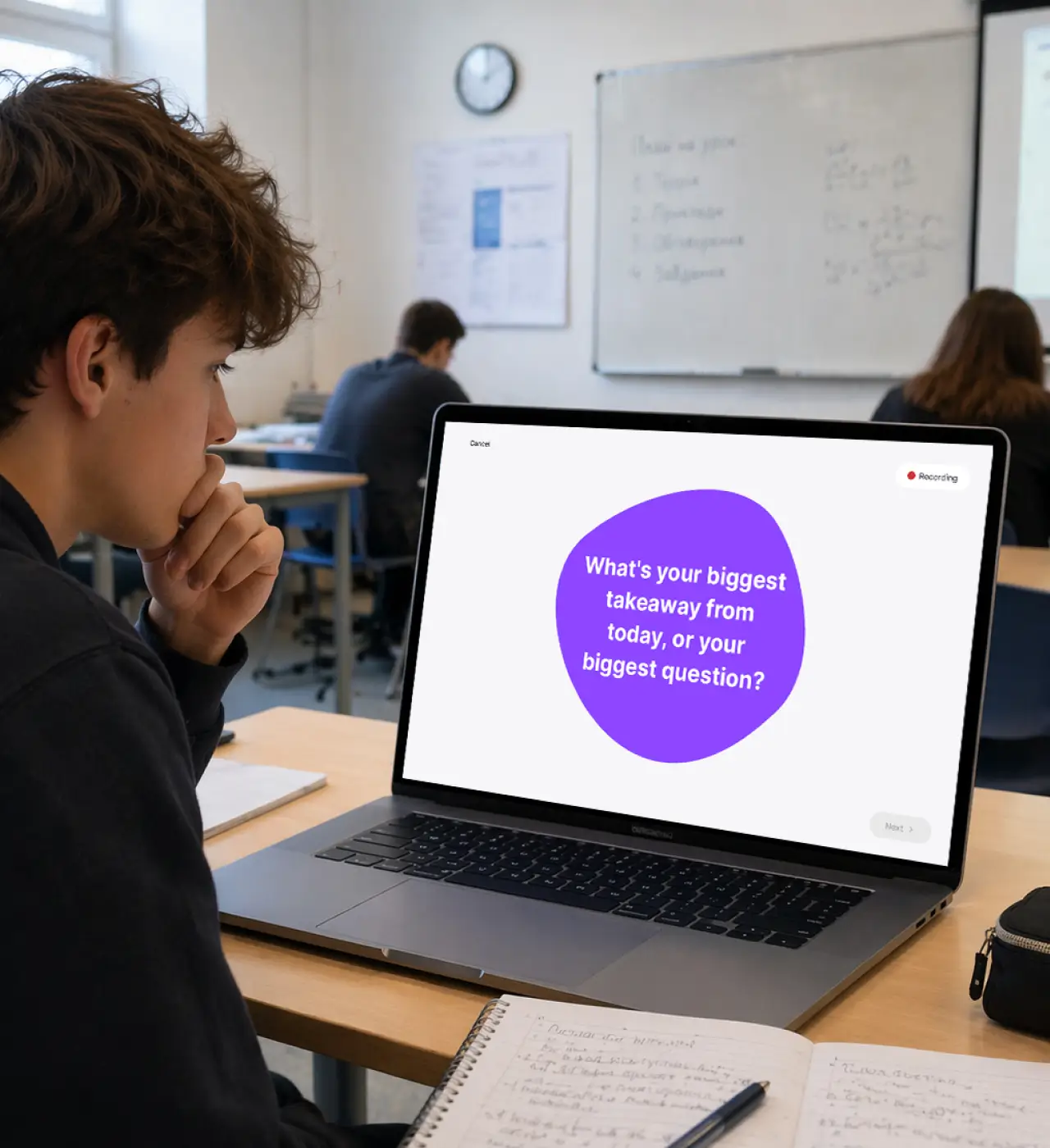
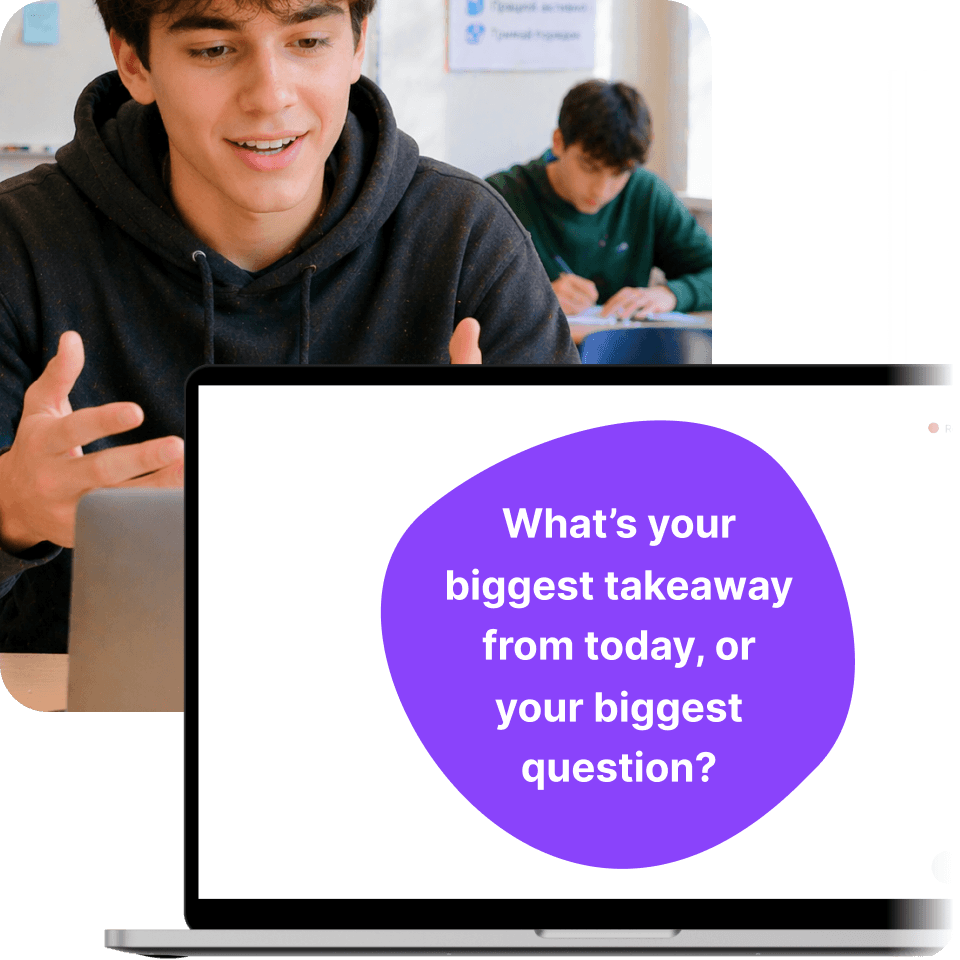
A smiling student looking at a laptop screen during a lesson.

Easy, automated setup

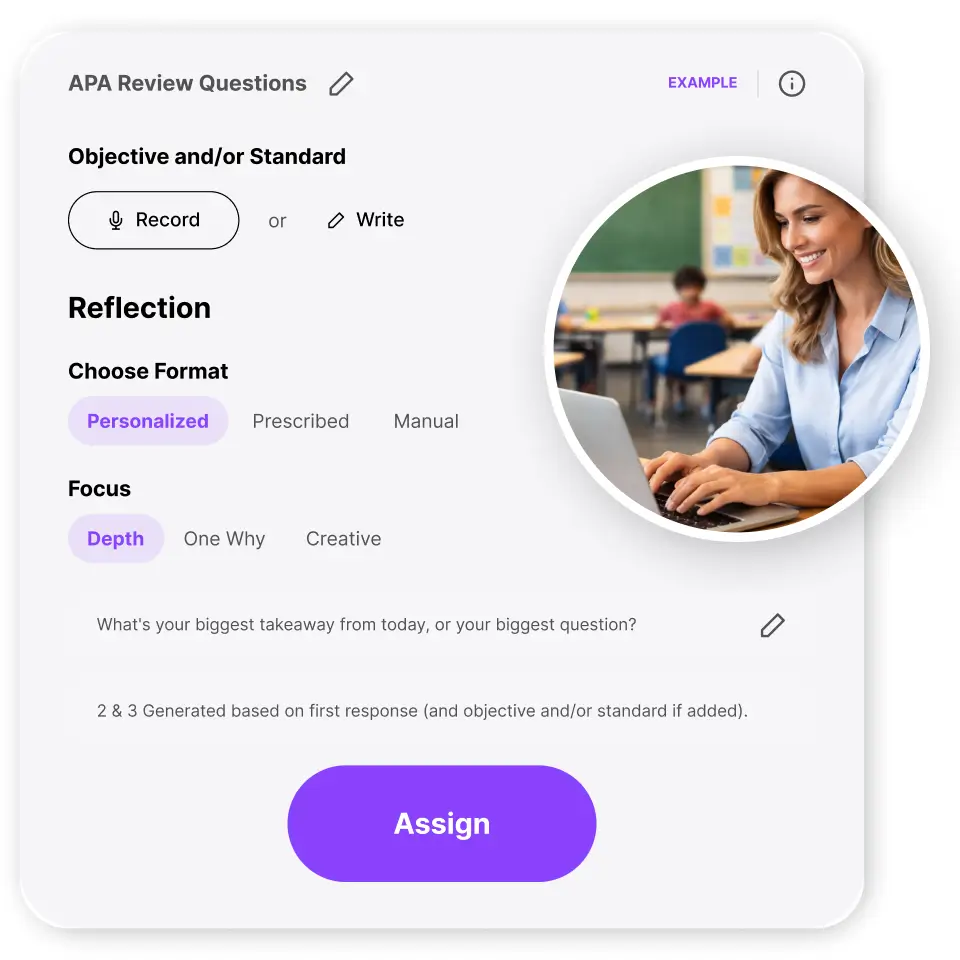
Talks are automatically generated after each class. You can also set them up manually, and soon – create them from a standard, reading passage, or just text. Use them for individual feedback on class experiences, promoting activities like reading and writing, or even as summative oral assessments.

Interface showing an 'Is it plagiarism?' lesson assignment with options to customize or assign.

Individualized insights

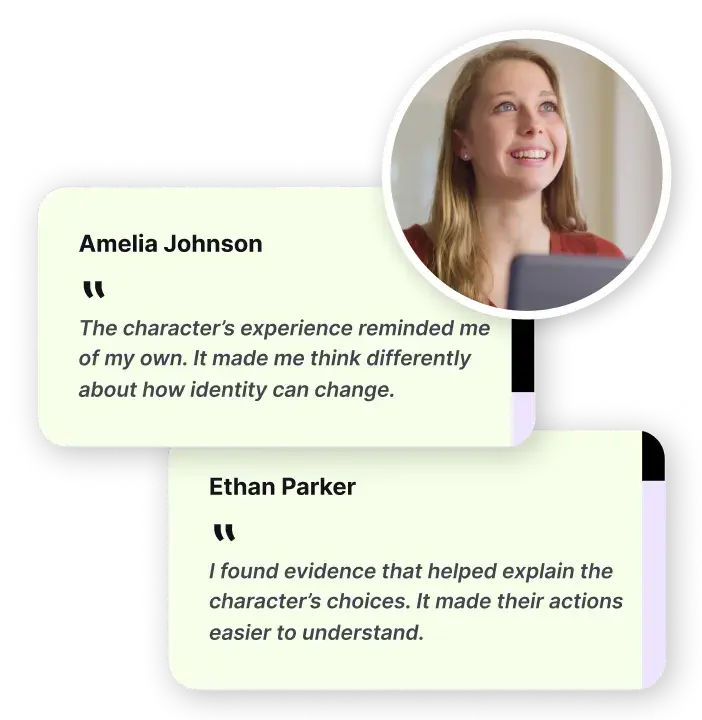
Gives teachers a dashboard of insights that help them plan for tomorrow’s class based on students individual needs identified in each reflection.

Educational dashboard showing 'Insights' and a bar graph for a plagiarism activity score.

Make the difference

Setup a 15 minute conversation where we’ll learn about your needs, explore our solutions, and see how participation can make the difference in your school.

Setup conversation

Terms

Privacy

AI security

Contact us

FERPA/COPPA/SOPPA compliant

Footer

  • Support
  • About us
  • International information
  • Learn about M2
  • Download apps
  • Security

Swivl Logo
  • Terms
  • Privacy
  • Contact Us
  • U.S. 1-888-837-6209